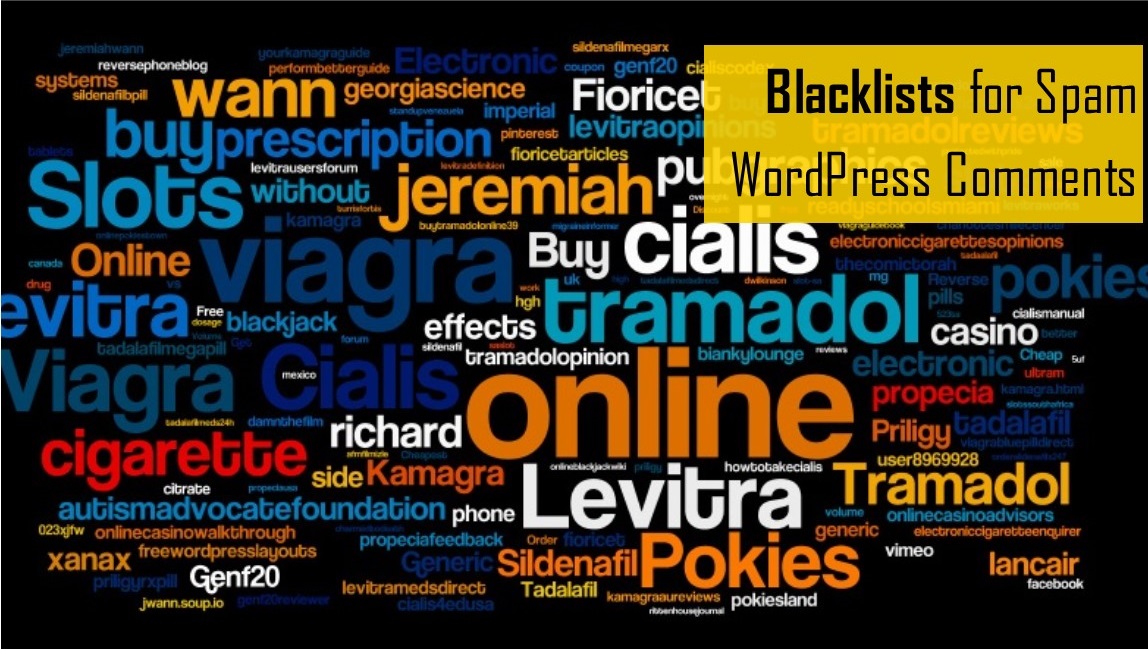
So we have all been there. Trawling through the comments under a new blog article (give it a couple of weeks and I will be doing the same for this WordPress post!) and you will find an endless supply of gibberish with link backs to various dodgy looking websites with wonderful offers of natural Viagra, cheap prescription drugs and wonder products for slimming. When we wrote a blog about Cody Couch destroying a start-up with an honest unwrapping video, we received no less than 344 spam replies in just a few days!
So rather than setting aside 15 minutes each week to sift through this dross for the odd valuable comment from a genuine fan you do not want to lose, is there a better way to limit the spam comments on your website? Well we at Wiser Websites think so, our tag line is ‘we talk strategy’ now you may think we’re going to be recommending a whole suite of anti-spam plugins, if that’s what you’re looking for try this blog from the guys at ColorLib. To be honest in many incidents, this will result in lots of extra plugins that need updating, settings to configure and the chance of conflicting code and slower site speeds. Instead for many, simply using a ‘Blacklist of Comment Terms’ will solve the problem.
What is Comment Blacklist in WordPress?
Comment blacklist is a system that looks for particular keywords in post comments and compares them to a list of terms added by the site owner that are usually included in spam emails and comments. This is one of the easiest quick fixes in WordPress and will save you a lot of time in the long run. Simply go to the dashboard in your WordPress CMS. Go to SETTINGS > DISCUSSION > COMMENT BLACKLIST and simply paste a list of terms into the comments blacklist box. The difficulty is finding a suitable list of terms. There are plenty of lists available online but we think one of the best can be found here.
Comment Blacklist – Example List